[VNCTF2023]验证码
https://digi.bib.uni-mannheim.de/tesseract/
下载了软件tesseract记得去配一下PATH
再运行tesseract --version检查一下
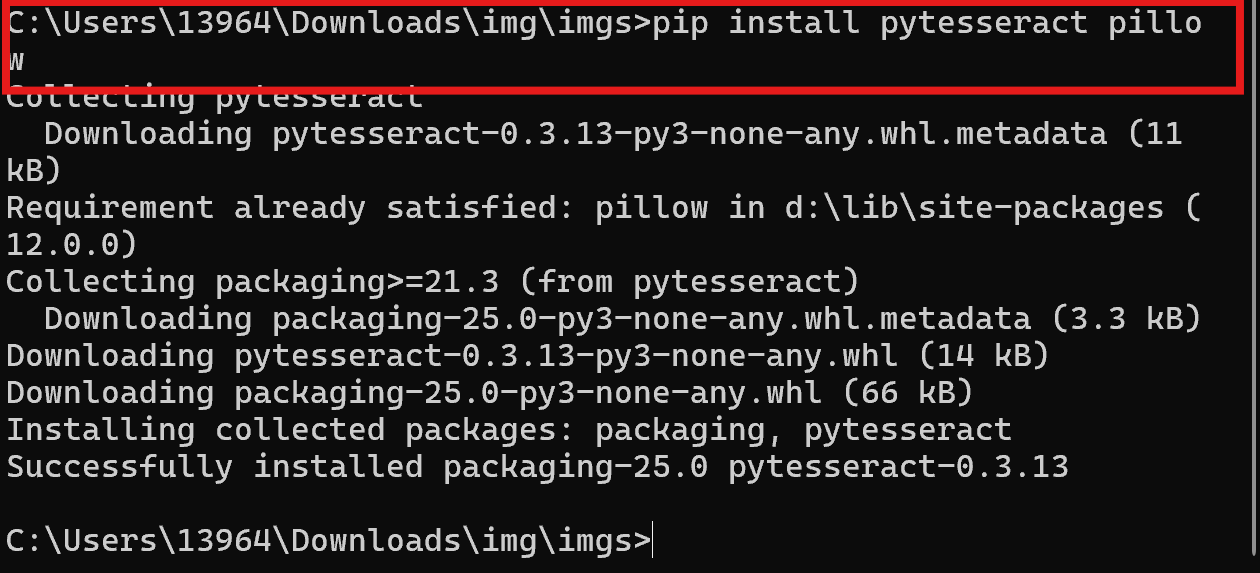
最后运行pip install pytesseract pillow下pytesseract的安装包
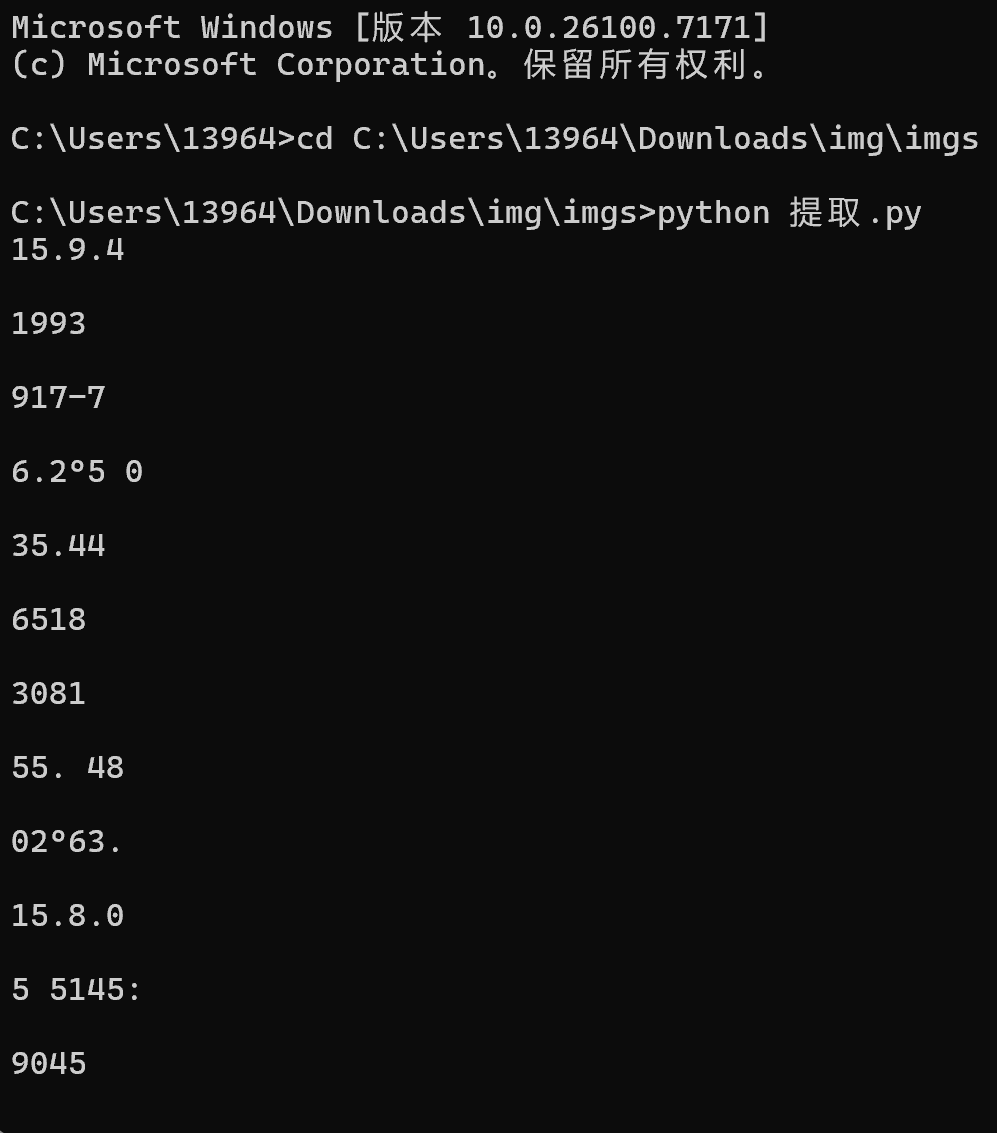
1 | import pytesseract |
把输出保存到input.txt
1 | import re |
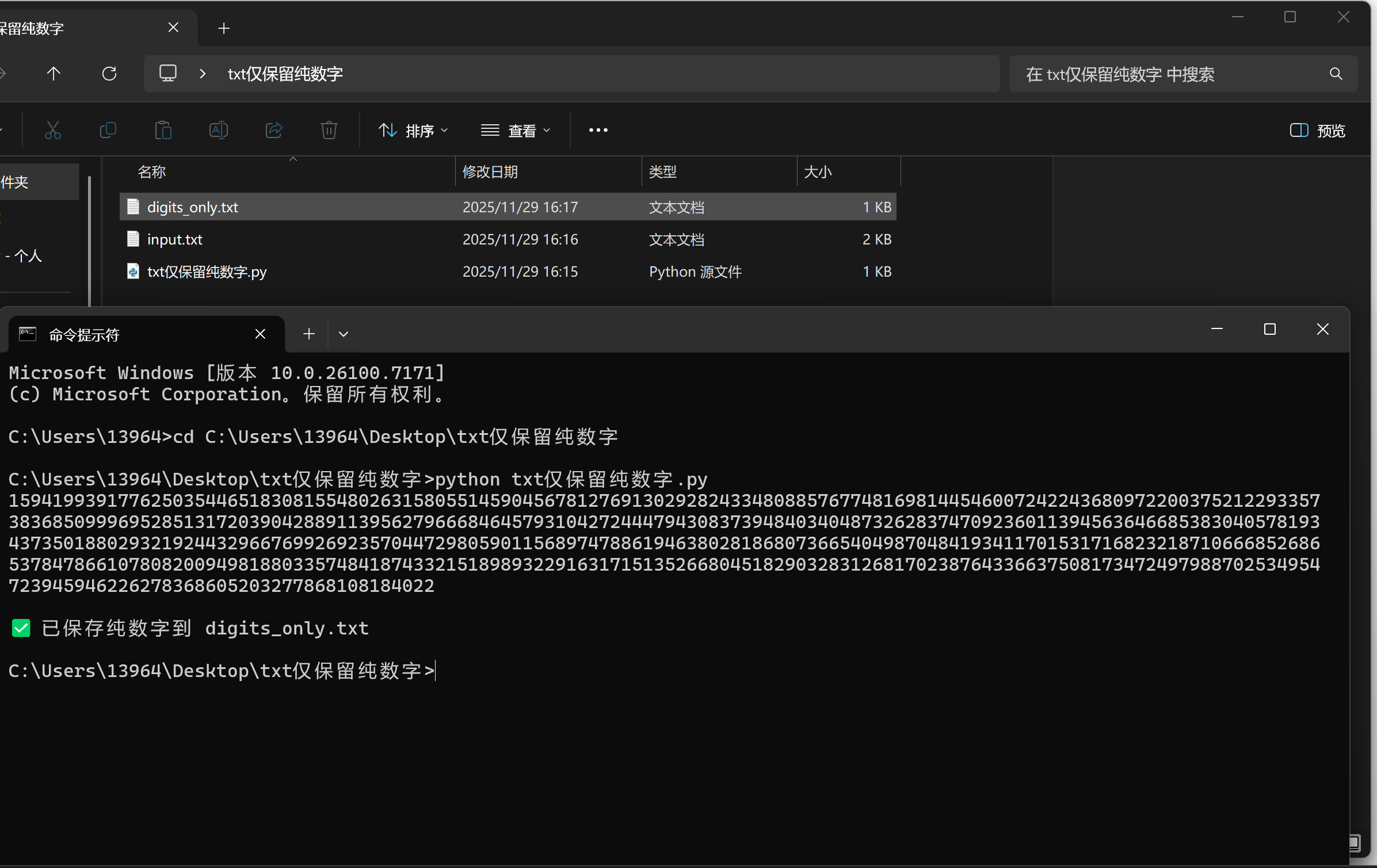
这时候其实我已经红温了 为什么我使用了灰度化 二值化 去噪 放大的处理以后 提取的数字还是错误很多???
1 | import pytesseract |
好吧 我使用了别人的wp 先进行下一步
这个是专门用来演示和操作Tupper自指公式的网址
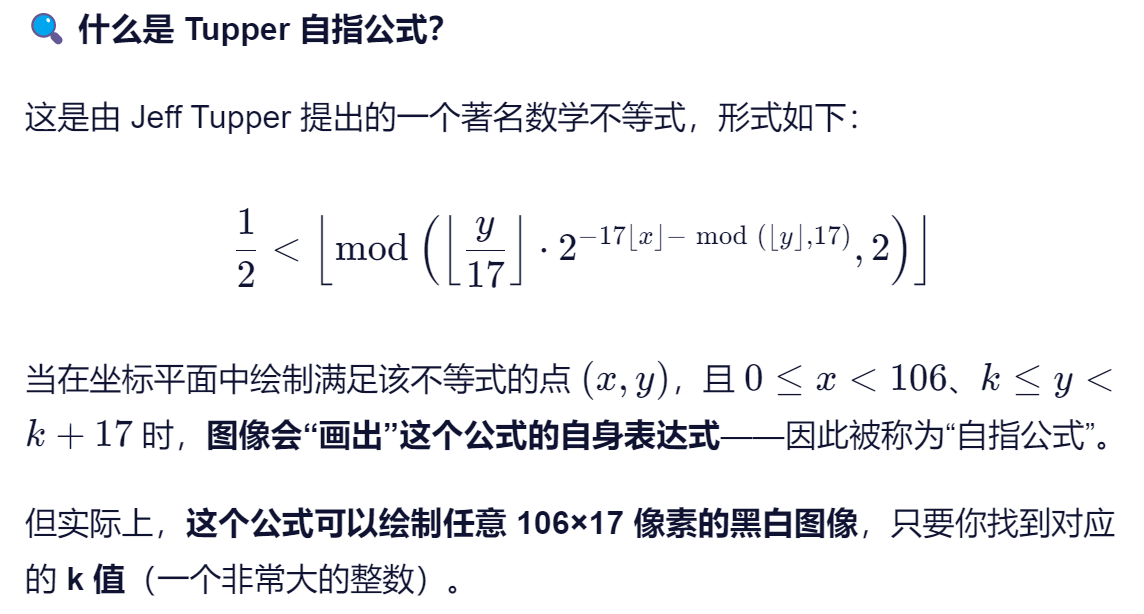
1594199391770250354455183081054802631580554590456781276981302978243348088576774816981145460077422136047780972200375212293357383685099969525103172039042888918139627966684645793042724447954308373948403404873262837470923601139156304668538304057819343713500158029312192443296076902692735780417298059011568971988619463802818660736654049870484193411780158317168232187100668526865378478661078082009408188033574841574337151898932291631715135266804518790328831268881702387643369637508117317249879868707531954723945940226278368605203277838681081840279552
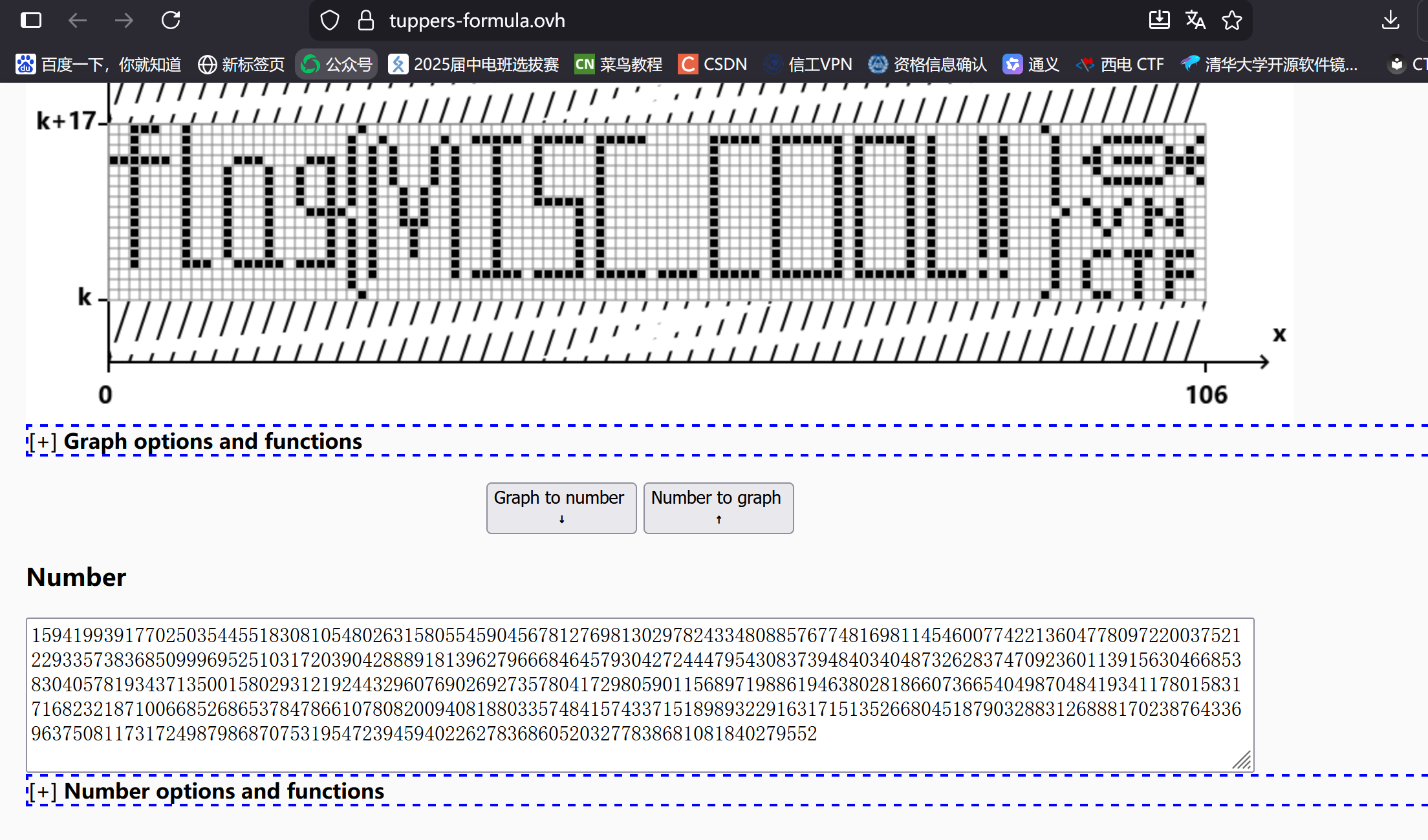
flag{MISC_COOL!!}
VNCTF 2025
[VNCTF 2025]VN_Lang

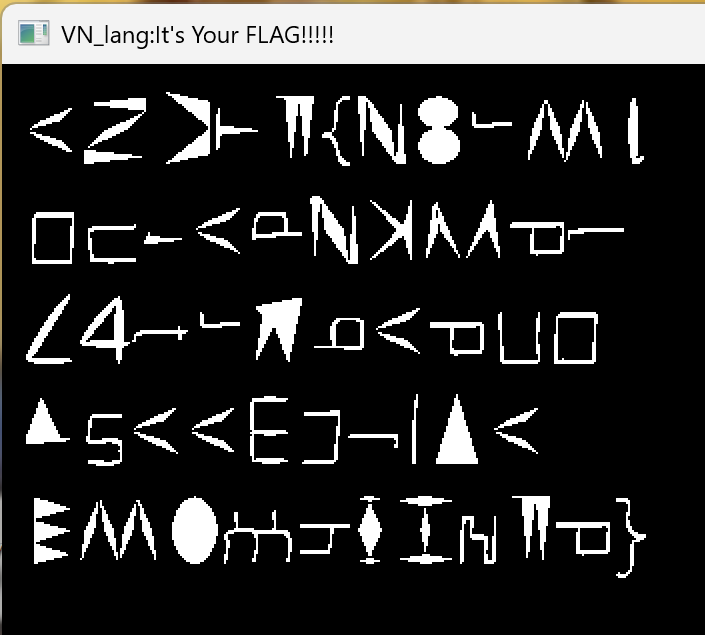
strings /home/kali/Desktop/VN_lang_8bdfe1d1a42c87474a301bdfc9937a9f.exe | grep -i -A5 -B5 "VNCTF\|flag\|{\|}"
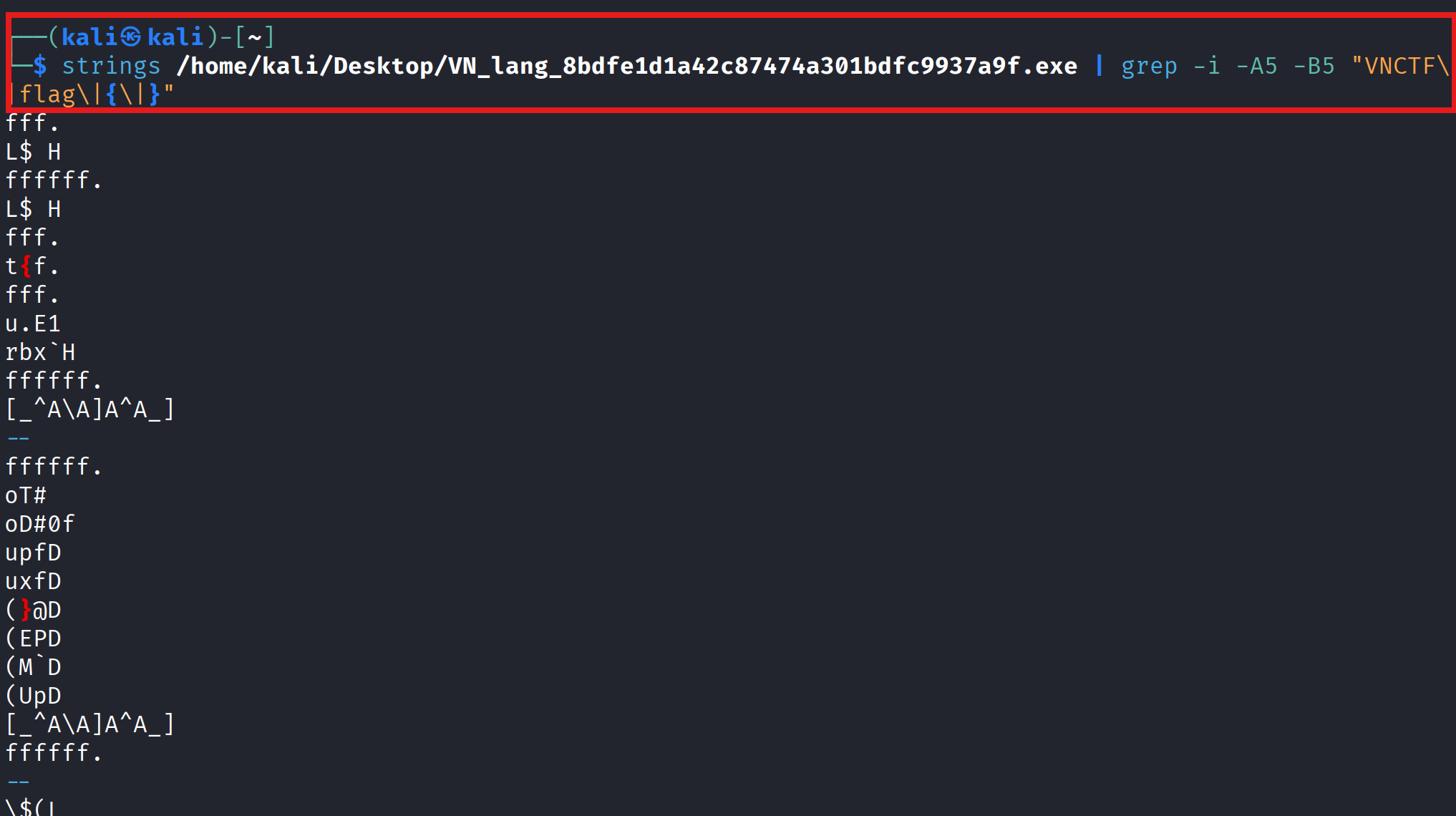
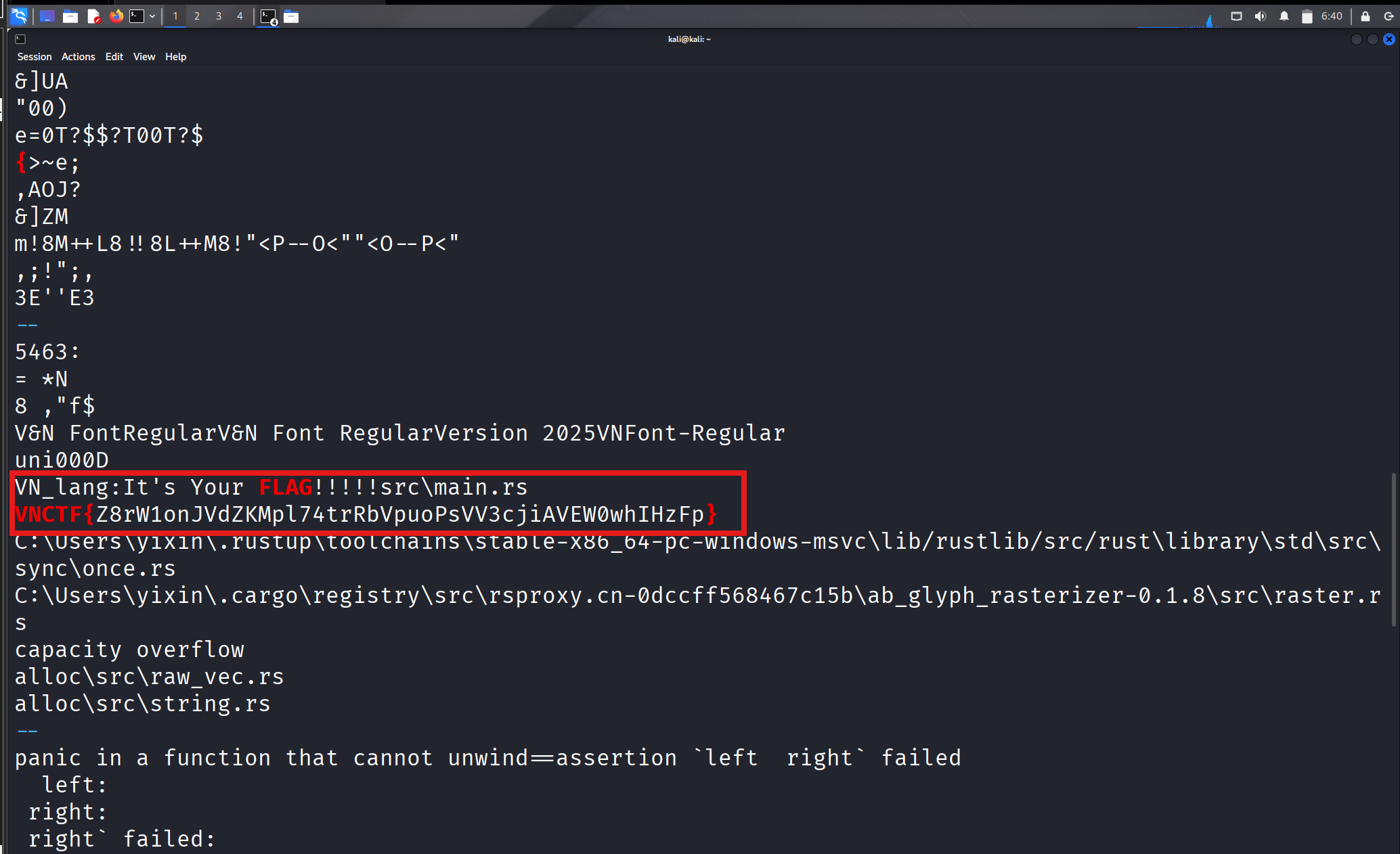
VNCTF{Z8rW1onJVdZKMpl74trRbVpuoPsVV3cjiAVEW0whIHzFp}
1:尝试用zsteg分析图片
zsteg -a /home/kali/Desktop/1.png
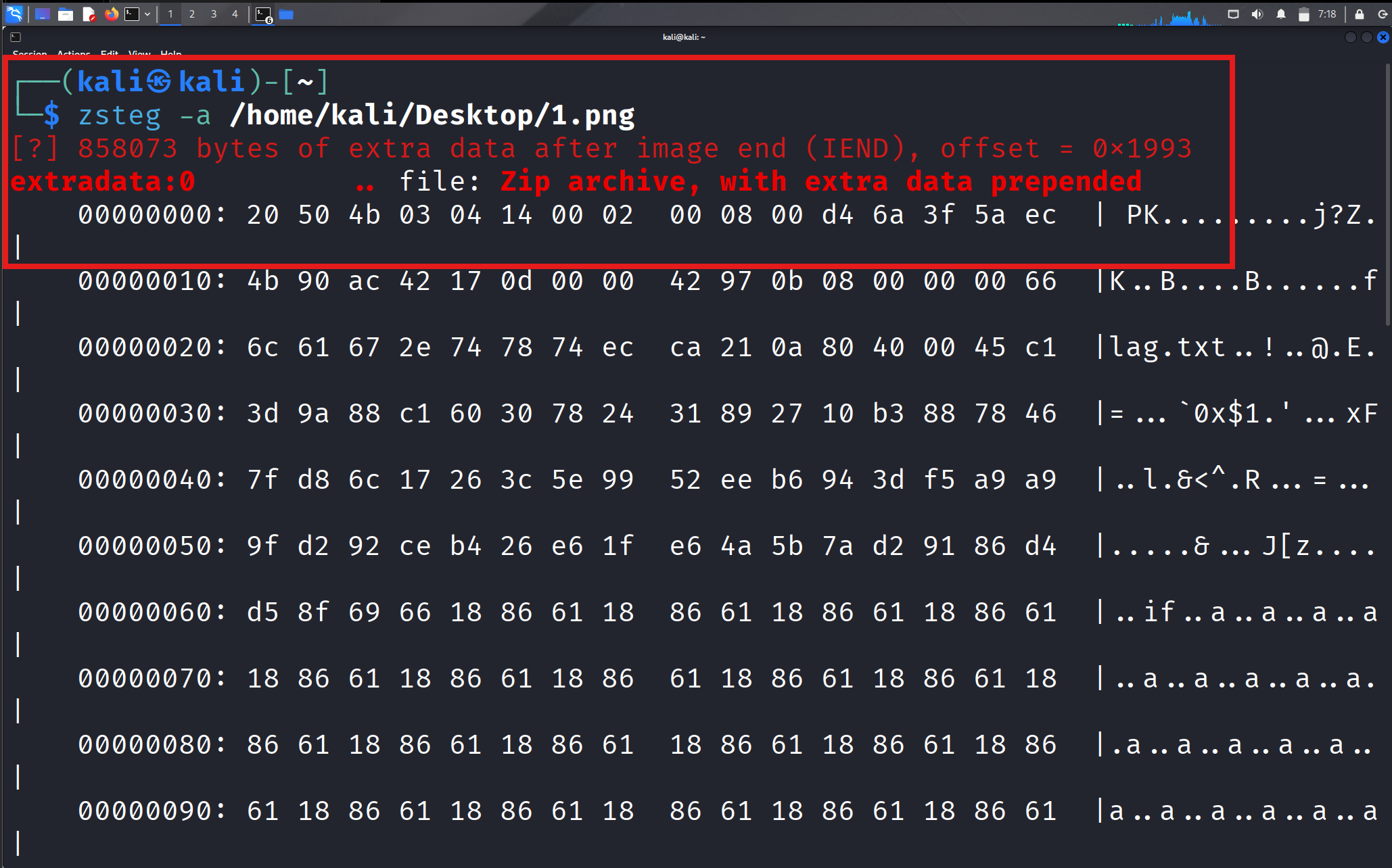
png末尾附加了一个zip文件 但是前面多了一个0x20也就是空格
2:提取zip
dd if=/home/kali/Desktop/1.png of=clean.zip bs=1 skip=6548

3:提取内容
unzip -l clean.zip
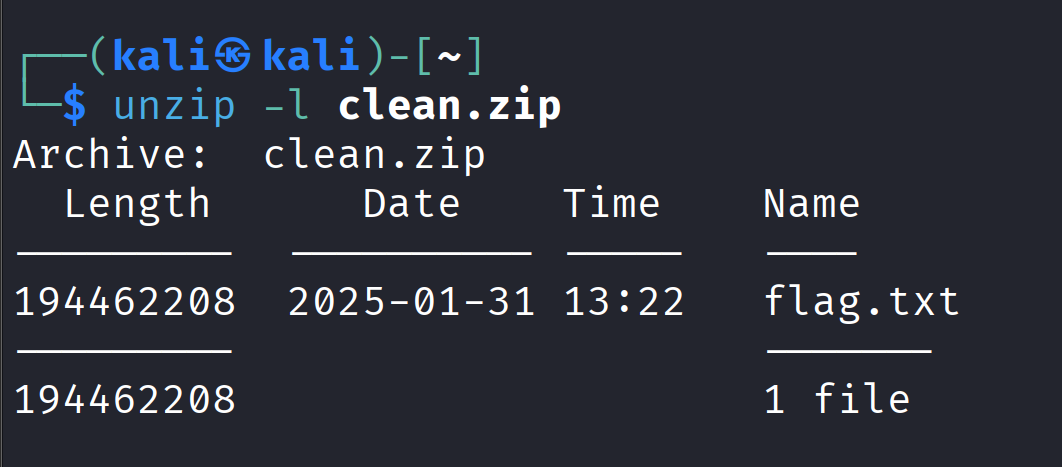
unzip -p clean.zip flag.txt > safe_flag.bin

注意这里不要直接cat或者head二进制文件 不要直接输出二进制文件到终端 不然终端可能刷乱码 我这里就刷了一遍菱形问号的乱码 多按几次ctrl+c停下来
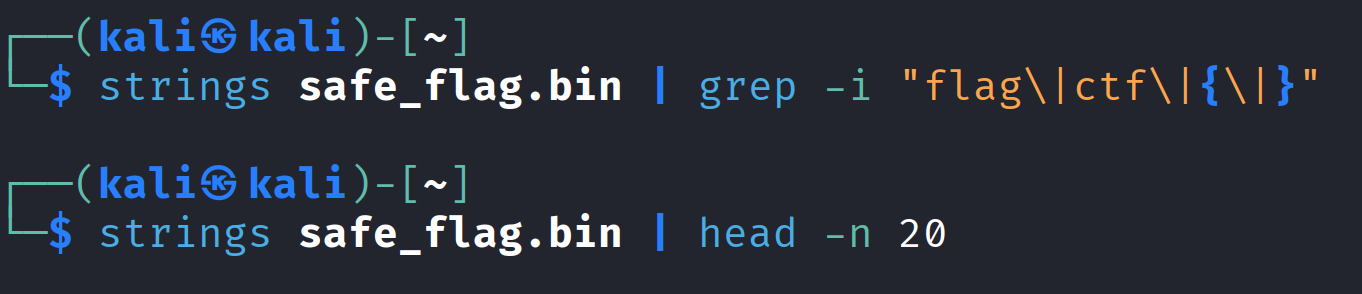
这时候理论上该有反应了,,但是没有
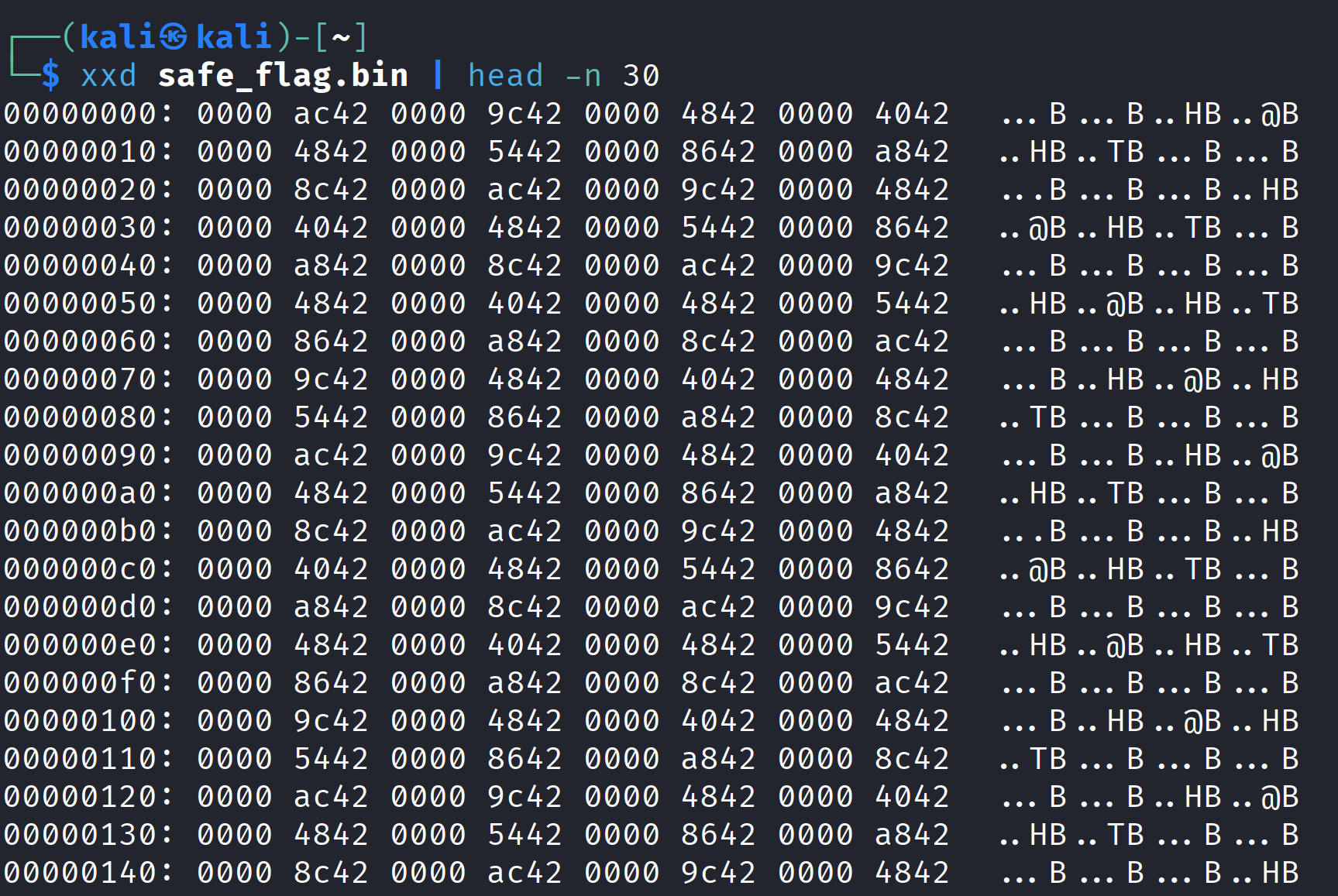
00000000: 0000 ac42 0000 9c42 0000 4842 0000 4042 ...B...B..HB..@B
00000010: 0000 4842 0000 5442 0000 8642 0000 a842 ..HB..TB…B…B
00000020: 0000 8c42 0000 ac42 0000 9c42 0000 4842 …B…B…B..HB
00000030: 0000 4042 0000 4842 0000 5442 0000 8642 ..@B..HB..TB…B
00000040: 0000 a842 0000 8c42 0000 ac42 0000 9c42 …B…B…B…B
00000050: 0000 4842 0000 4042 0000 4842 0000 5442 ..HB..@B..HB..TB
00000060: 0000 8642 0000 a842 0000 8c42 0000 ac42 …B…B…B…B
00000070: 0000 9c42 0000 4842 0000 4042 0000 4842 ...B..HB..@B..HB
00000080: 0000 5442 0000 8642 0000 a842 0000 8c42 ..TB…B…B…B
00000090: 0000 ac42 0000 9c42 0000 4842 0000 4042 ...B...B..HB..@B
000000a0: 0000 4842 0000 5442 0000 8642 0000 a842 ..HB..TB…B…B
000000b0: 0000 8c42 0000 ac42 0000 9c42 0000 4842 …B…B…B..HB
000000c0: 0000 4042 0000 4842 0000 5442 0000 8642 ..@B..HB..TB…B
000000d0: 0000 a842 0000 8c42 0000 ac42 0000 9c42 …B…B…B…B
000000e0: 0000 4842 0000 4042 0000 4842 0000 5442 ..HB..@B..HB..TB
000000f0: 0000 8642 0000 a842 0000 8c42 0000 ac42 …B…B…B…B
00000100: 0000 9c42 0000 4842 0000 4042 0000 4842 ...B..HB..@B..HB
00000110: 0000 5442 0000 8642 0000 a842 0000 8c42 ..TB…B…B…B
00000120: 0000 ac42 0000 9c42 0000 4842 0000 4042 ...B...B..HB..@B
00000130: 0000 4842 0000 5442 0000 8642 0000 a842 ..HB..TB…B…B
00000140: 0000 8c42 0000 ac42 0000 9c42 0000 4842 …B…B…B..HB
00000150: 0000 4042 0000 4842 0000 5442 0000 8642 ..@B..HB..TB…B
00000160: 0000 a842 0000 8c42 0000 ac42 0000 9c42 …B…B…B…B
00000170: 0000 4842 0000 4042 0000 4842 0000 5442 ..HB..@B..HB..TB
00000180: 0000 8642 0000 a842 0000 8c42 0000 ac42 …B…B…B…B
00000190: 0000 9c42 0000 4842 0000 4042 0000 4842 ...B..HB..@B..HB
000001a0: 0000 5442 0000 8642 0000 a842 0000 8c42 ..TB…B…B…B
000001b0: 0000 ac42 0000 9c42 0000 4842 0000 4042 ...B...B..HB..@B
000001c0: 0000 4842 0000 5442 0000 8642 0000 aa42 ..HB..TB…B…B
000001d0: 0000 8e42 0000 ae42 0000 9e42 0000 4c42 …B…B…B..LB
分析一下文件头 都是???? ??42的格式
把字节倒过来 比如00 00 ac 42实际上是42 ac 00 00
这其实是IEEE 754单精度浮点数
0x42ac0000 ≈ 86.0
0x429c0000 ≈ 78.0
0x42480000 ≈ 50.0
而86 78 50很可能是ASCII码
86 → 'V'
- 78 →
'N' - 50 →
'2' 00 00 ac 42反转后为42 ac 00 00,浮点数值约86.0,对应ASCII字符 ‘V’00 00 9c 42反转后为42 9c 00 00,浮点数值约78.0,对应ASCII字符 ‘N’00 00 48 42反转后为42 48 00 00,浮点数值约50.0,对应ASCII字符 ‘2’
1 | import struct |
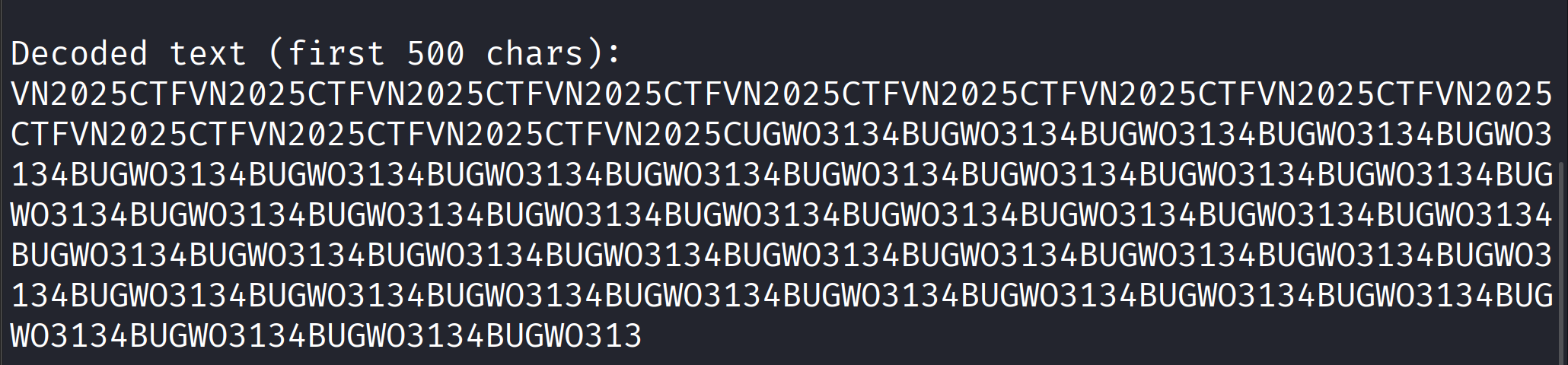
这时我以为我得到了flag 尝试提交VNCTF{BUGWO3134}但是不对 去搜了一下wp 发现想法和实际背道而驰,,,
这就是misc吗
重来嗯嗯,,,
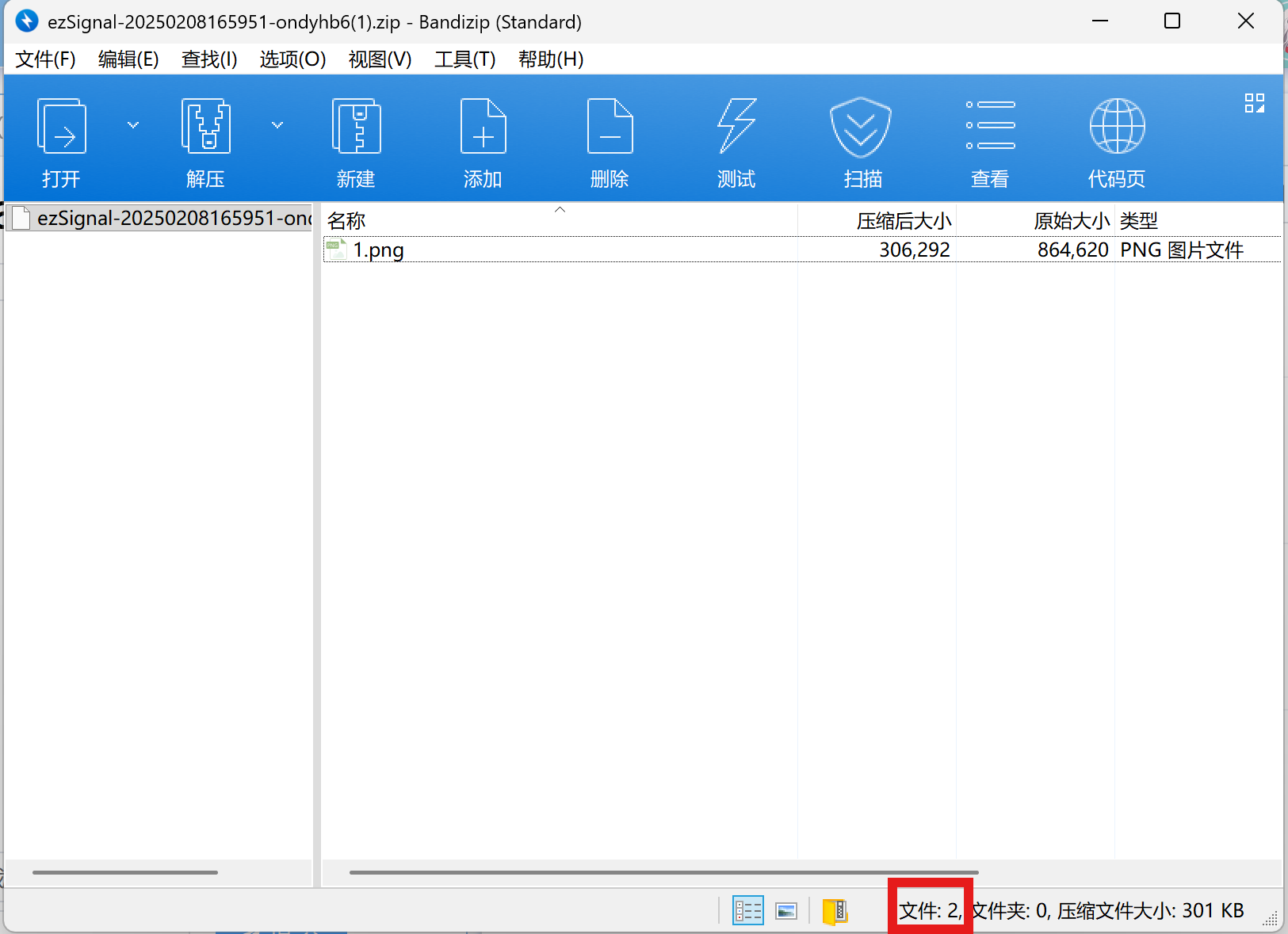
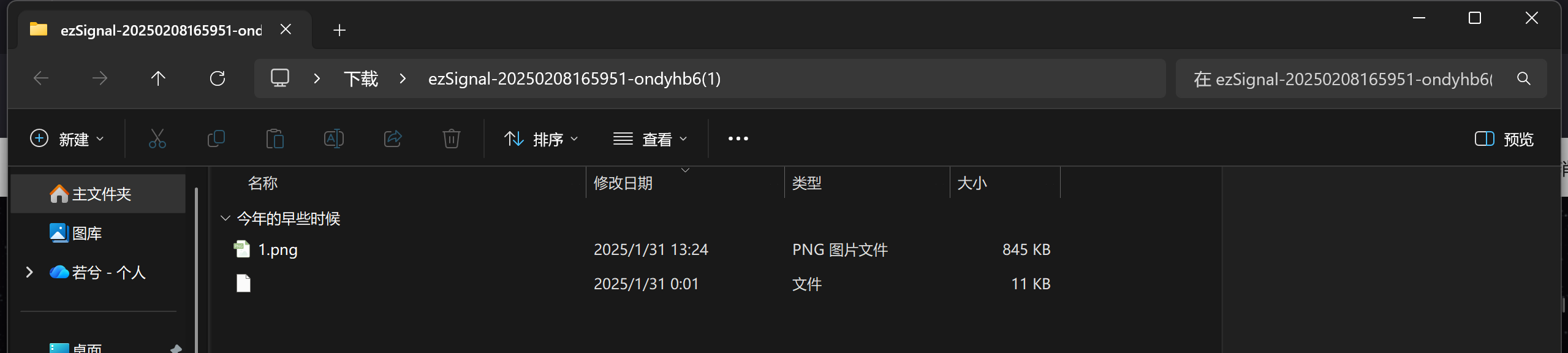
诡异 一个文件夹里只有一个图片 怎么显示文件:2
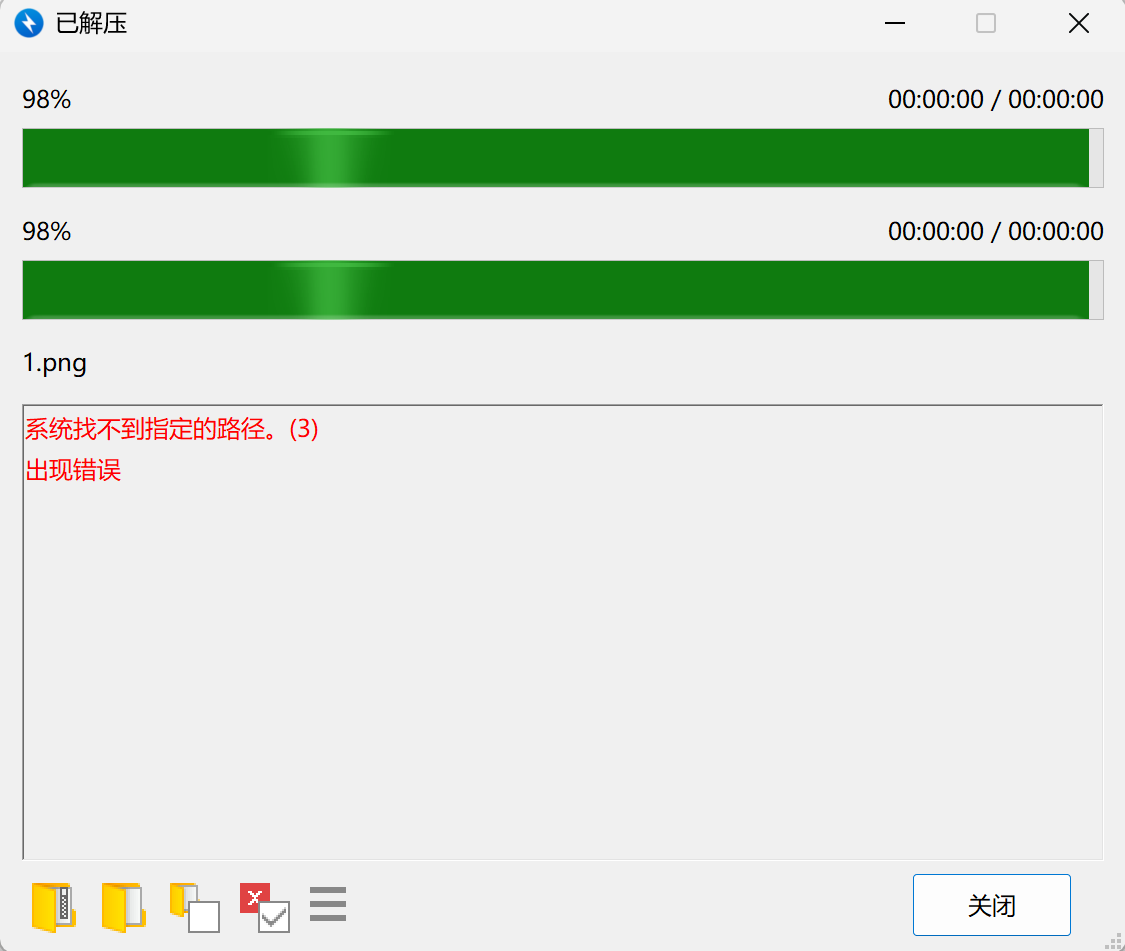
bandzip不能解压 换wps解压工具